For accounting firms
Every client's books, one login
Work in all your client companies with a single account and a role in each. Each client's data is isolated; the client sees the same numbers you do.
What changes
“Every client is a different login.”
One account, a company switcher, and the right role in each client.
“Clients send us documents at the last minute.”
Give the client's team access as assistants: they enter invoices and expenses, you review and post.
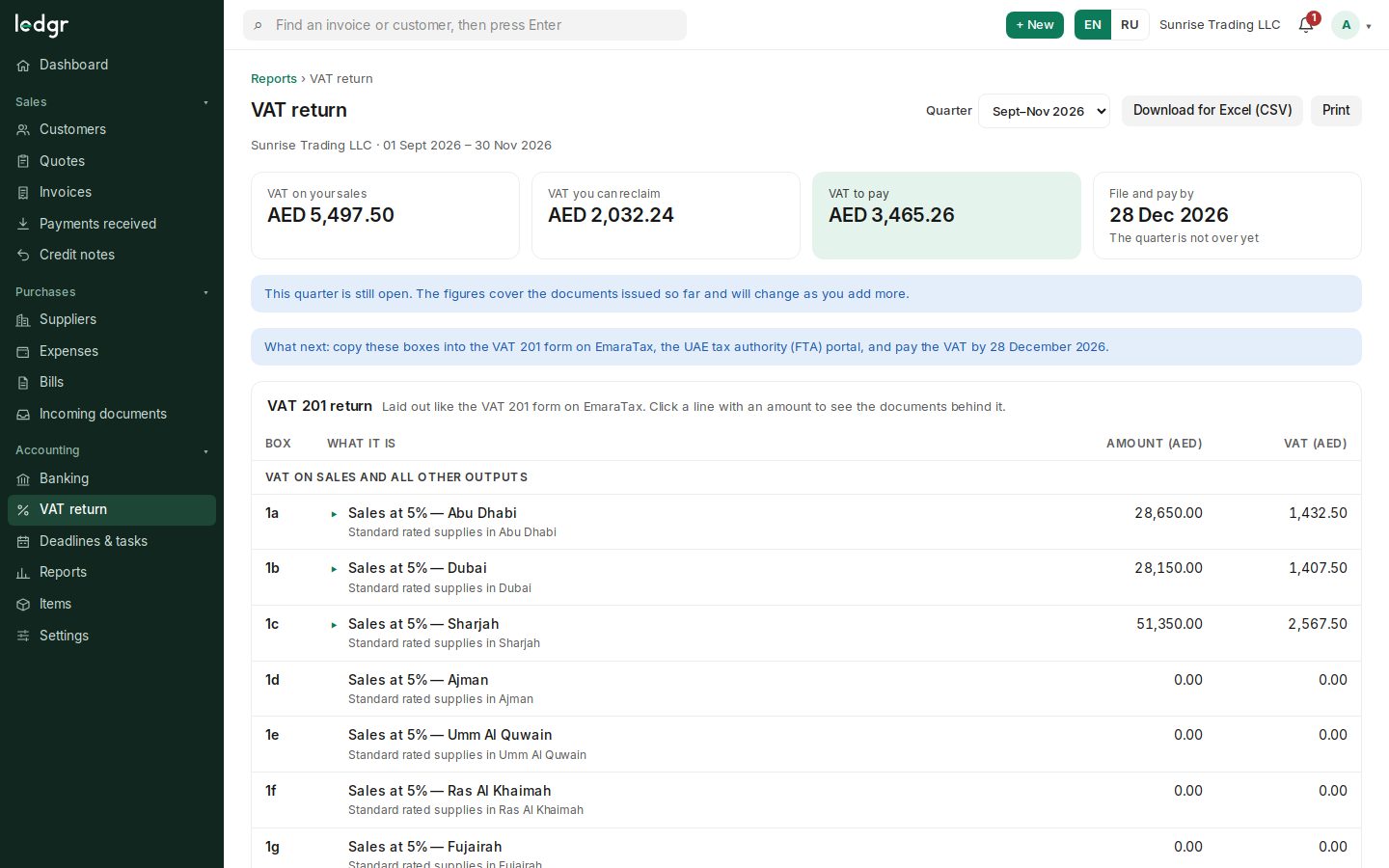
“We re-check every VAT figure by hand.”
Each VAT 201 line opens the documents behind it — the evidence is already there.
Included today
Firm workspace
All client companies on one screen: cash, overdue receivables, VAT, next deadline and a health score with reasons.
Client consent
A firm reaches an existing company only with its admin's code or approval; the client sets the role.
Multi-company access
One person, many companies, a role in each.
Roles
Owner, admin, accountant, assistant, view-only.
Isolated client data
Enforced by the database, not just the app.
VAT and corporate tax per client
VAT 201 and the CT computation from each client's books.
Compliance calendar per client
Deadlines and tasks with assignees.
Audit log
Who did what, in every client company.
Coming next
- Soon
Management packs
Monthly reporting packs for clients.
- Soon
Plans for firms
Pricing per client company, announced before any payment.
Frequently asked questions
Who owns the client's company in Ledgr?
The client is the owner of their company; your firm works in it through invitations and roles, and the client can remove access.
Try Ledgr with your own company
Ledgr is in its testing period: create a company in a few seconds, no payment and no card needed.